
In the modern office environment, “sitting” has become an invisible killer of health.
If you don’t want to replace your entire existing office desk, but still want to enjoy the health benefits of standing, a desk riser is the ideal choice.
This guide will give you an in-depth look at choosing the best desk riser for standing, as well as review some of the best-rated products on the market in 2026.
Table of Contents
- What Is A Desk Riser For Standing?
- Benefits Of A Desk Riser
- Common Types Of Desk Riser For Standing
- How To Choose The Right Desk Riser For Standing?
- Best Desk Riser For Standing 2026
- Desk Riser VS. Standing Desk: Which One Is Right For You?
- Final Thoughts On Desk Risers For Standing
- FAQ
What Is A Desk Riser For Standing?

A desk riser (also known as a sit-to-stand converter) is an adjustable platform that sits on top of an existing traditional desk.
It allows you to raise or lower your monitor, keyboard, and mouse in a matter of seconds, allowing you to seamlessly switch between sitting and standing positions.
Its biggest advantage is that it can be used right out of the box without dismantling the original furniture. Great for:
- Office upgrade
- Home office
- Shared workstation
Benefits Of A Desk Riser
Standing office is not just a trend, but an increasingly proven and effective way of working. With a desk riser, you can improve your daily work experience on multiple levels.
- Relieve back and neck pain: By alternating sitting and standing, you can reduce the pressure on the spine and intervertebral discs caused by hunching over for long periods of time.
- Improve energy and concentration: Standing can promote blood circulation, effectively combat the “afternoon burnout period,” and keep your mind clear.
- Reduces risk of chronic disease: Research shows that standing regularly can help lower blood sugar levels and reduce the risk of heart disease.
- Cost-effective office upgrade: No need to spend thousands of dollars to replace the entire height-adjustable desk; you can get the same health returns.
Common Types Of Desk Riser For Standing
According to different lifting methods, usage scenarios and structural designs, desk risers can be roughly divided into the following categories.
Understanding these types will help you narrow down your choices more quickly.
Fixed-Height Desk Riser
The fixed-height desk riser is the simplest structure and does not have any lifting mechanism. Its height is determined at the factory and cannot be adjusted during use.
Best for: People who stand for long periods of time, or just use it to raise the height of their monitor
Manual Lift Desk Riser
Manual lift desk risers typically achieve height adjustment via pneumatic levers, springs, or mechanical levers. Users need to do it manually, but the overall process is effortless.
Best for: People with limited budgets, infrequent lifting and lowering, and people who prefer non-electrical equipment
Electric Desk Riser
The electric desk riser uses a built-in motor to achieve one-click lifting and lowering, making the operation easy and smooth. Ideal for heavy equipment with multiple monitors.
Best for: high-end office spaces, management offices, or users with higher user experience requirements
Foldable/Portable Desk Riser
This type of desk riser emphasises lightweight and mobility, and can usually be folded and stored.
Best for: Users who frequently change office locations, or scenarios that require high device flexibility
How To Choose The Right Desk Riser For Standing?

Choosing a suitable desk riser is not only related to the comfort of a standing office, but also directly affects the health, safety and efficiency of long-term use.
The following key dimensions can help you make more rational judgments.
1. What is the lifting range you need?
Appropriate height is the basis for a standing office.
- When standing, your elbows should be naturally bent at about 90° and your shoulders should be relaxed
- The top of the monitor should be basically at eye level or slightly lower
Different heights have very different needs for lifting range. If the user is over 1.8 meters tall, be sure to confirm whether the maximum lifting height of the product is sufficient.
Otherwise, even if the user can stand, it will easily cause head fatigue and shoulder and neck fatigue.
👉 Suggestion: Prioritise checking the specific height value (mm) instead of just looking at “suitable for standing”.
2. Load Capacity & Stability
The desk riser needs to remain stable at its highest position.
- Single-monitor, dual-monitor or all-in-one computers, such as iMa,c have significantly different load-bearing requirements
- When the high-quality height increaser is fully raised, it should not shake significantly even when typing quickly or operating the mouse.
Stability often has to do with structural design and materials, not just nominal load capacity.
👉 Focus on:
- Maximum load capacity (kg)
- Stable performance when rising to the top
3. Desktop Size & Footprint
Before purchasing, be sure to measure the depth and width of your existing desktop.
There are two main types of common structures:
Vertical lifting structure (X type)
- The occupied space changes little during the lifting process
- More suitable for environments with shallow desktops or compact workstations
Forward-moving structure (Z-shaped or arc-shaped trajectory)
- The desktop will move forward when raised
- Higher requirements for desktop depth
👉 If it is a shared office or a small workstation, the vertical lifting model is usually more user-friendly.
4. Is the lifting adjustment smooth and precise?
The lifting method directly affects the frequency of daily use.
Manual model
- It is recommended to be equipped with air pressure or spring assist
- Adjustable with one hand, almost effortless
Electric model
- Should have low noise motor
- Supports “flexible start and stop” to avoid vibration of equipment or liquids at the moment of lifting
In addition, you can also follow:
- Whether it is stepless adjustment (easier to match personal height than fixed gears)
- Whether to support frequent height switching among multiple people
5. Ergonomics
Many desk risers only “raise the monitor” but ignore keyboard height.
- Whether equipped with an independent keyboard tray
- Whether the keyboard and monitor rise and fall simultaneously
- Whether the wrist can maintain a natural angle without shrugging or raising the wrist
👉 Whether the ergonomics are complete determines whether it can be used for a long time, not just “stand once in a while”.
6. Safety & Durability
Especially in an office or multi-person environment, this cannot be ignored.
- Is there an anti-pinch design?
- Whether the desktop has anti-slip treatment
- Whether the lifting mechanism passes the durability test (such as more than 10,000 times)
These factors are often unobtrusive, but directly affect usage risks and maintenance costs.
Best Desk Riser For Standing 2026
Based on stability, user reviews, and performance, we’ve shortlisted the top picks in each field for 2026:
| Recommendation Category | Recommended Model | Key Advantages |
|---|---|---|
| Best Overall (Editor’s Choice) | FlexiSpot M2 | Classic X-frame lift design with a spacious keyboard tray; gas-spring assisted height adjustment is smooth and precise. |
| Best Electric (Best Powered Option) | VariDesk Pro Plus 36 | Spacious workspace, smooth air pressure lifting experience, excellent stability, and ready-to-use design. |
| Best for Small Spaces (Space-Saving) | Ergotron WorkFit-T | Vertical lift design that doesn’t require extra desk depth; extremely stable and structurally robust. |
| Best for 3 Monitors (Multi-Monitor Setup) | Vari Electric Converter | Extra-wide work surface with a dedicated electric lift system, designed specifically for multi-monitor users. |
| Best Portable (Lightweight & Compact) | StandUp Desk Riser | Minimalist design with foldable storage; ideal for laptop users who need a lightweight, portable standing desk solution. |
Best Desk Riser For Standing – FlexiSpot M2

- Maximum Height: 19.7 inches
- Maximum Weight Capacity: 35 lb
- Lifting Mechanism: Manual pneumatic lift
- Work Surface Width: 35 inches
The FlexiSpot M2 is a pneumatic desk riser and one of the most popular desk risers on the market. It’s ideal for users who want to upgrade their existing desk to a standing workstation quickly.
With its stable lifting mechanism, vertical design, and spacious work surface, it’s a popular choice for those looking to try standing desks.
Best Electric Desk Riser For Standing – VariDesk Pro Plus 36

- Maximum Height: 20 inches
- Maximum Weight Capacity: 30–40 lb
- Lifting Mechanism: Electric
- Work Surface Width: 36 inches
The VariDesk Pro Plus 36 Electric is an electric height-adjustable desk riser/standing desk converter.
It features one-touch electric height adjustment, allowing you to easily switch between sitting and standing positions without manual pushing or pulling.
The overall design features a dual-layer platform, accommodating a monitor, laptop, keyboard, and mouse simultaneously for a cleaner and more efficient standing workspace.
Best Small Desk Riser For Standing – Ergotron WorkFit-T

- Maximum Height: 15 inches
- Maximum Weight Capacity: 35 lb
- Lifting Mechanism: Balanced mechanical force + handbrake adjustment
- Work Surface Width: 35 inches
The Ergotron WorkFit-T is a desktop standing desk converter with a vertical lift mechanism that instantly upgrades your existing desk to a standing workstation.
It features a motorless, crankless, balanced lifting structure, allowing for easy height adjustment using handbrake levers on both sides. No tools are required for installation; it’s ready to use right out of the box.
The design does not protrude forward or backwards, occupying less desktop space and making it ideal for small office spaces, even in corners or against walls.
Best Standing Desk Riser For 3 Monitors – Vari Electric Converter

Source: https://www.vari.com/
- Maximum Height: 20 inches
- Maximum Weight Capacity: 35 lb
- Lifting Mechanism: Electric
- Work Surface Width: 36 inches
The Vari Electric Converter is an electric height-adjustable desk converter that easily transforms your existing desk into a standing workstation.
With its electric lifting system, users can smoothly adjust the height with the touch of a button, making it convenient and easy to use.
Its spacious work surface can accommodate up to three monitors and other office equipment, making it ideal for multi-monitor setups requiring ample workspace.
Best Portable Desk Riser For Standing – StandUp Desk Riser

- Maximum Height: 15 inches
- Maximum Weight Capacity: 11 lb
- Lifting Mechanism: Mechanical manual height adjustment
- Work Surface Width: 19 inches
The StandUp Desk Riser is a lightweight, foldable, and portable desktop riser that can be placed directly on your existing desk without any installation. It’s ideal for business trips or multi-location work.
With a maximum height adjustment of approximately 15 inches, it supports quick switching between sitting and standing positions, helping to reduce the physical stress caused by prolonged sitting.
For users primarily working with laptops, it’s a highly cost-effective portable standing desk solution.
Desk Riser VS. Standing Desk: Which One Is Right For You?
When choosing an adjustable standing desk solution, desk risers and standing desks are the two most commonly compared products.
Both support switching between sitting and standing, but they are suitable for different user groups and usage scenarios.
- Desk risers are placed on top of an existing desk, offering simple installation and a lower cost.
- Standing desks achieve sit-stand functionality through the entire desk’s height adjustment, making them more suitable for long-term and frequent use.
Desk Riser vs. Standing Desk Comparison
| Comparison Aspect | Desk Riser | Standing Desk |
|---|---|---|
| Installation Method | Ready-to-use | Requires replacing the entire desk |
| Cost Investment | Relatively low | Relatively high |
| Height Adjustment Range | Limited | Wider, suitable for more heights |
| Stability | Medium | Higher |
| Desktop Space | Occupies part of the desktop | Full desktop available |
| Ergonomics | Depends on the design | Easier to achieve full ergonomics |
| Suitable Crowd | Personal office, short-term use | Long-term use, corporate office |
Which One Should You Choose?
- If you want to try standing at your desk at a low cost, or if replacing your existing desk is inconvenient, a desk riser is a better option.
- If you frequently switch between sitting and standing throughout the day, or if you use it for a long-term fixed workstation, a standing desk is a more worthwhile investment.
Quick takeaway:
Desk risers are more flexible and cost-effective; standing desks offer greater long-term advantages in terms of stability and comfort.
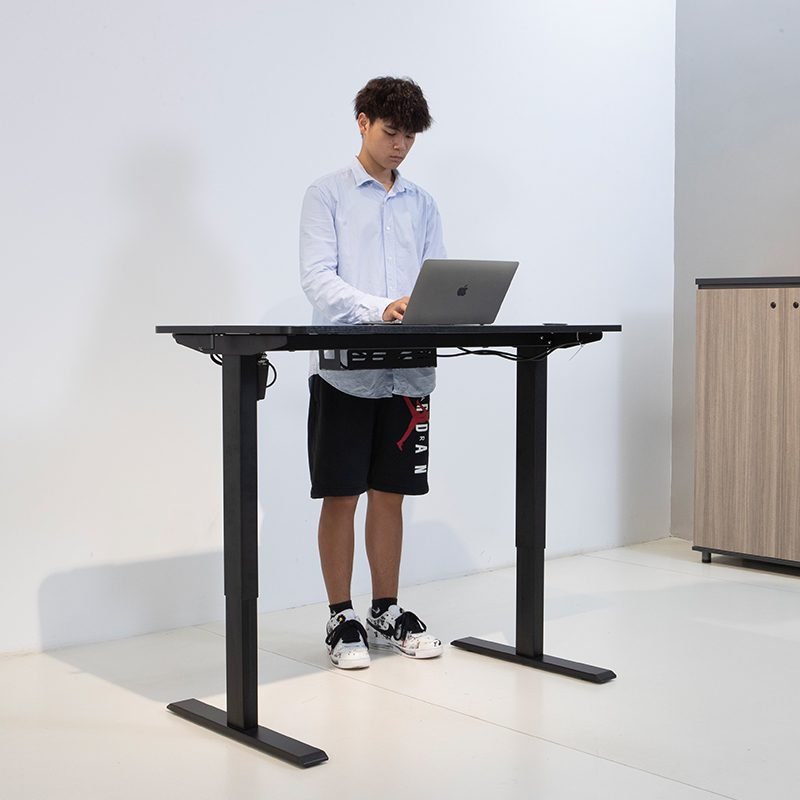
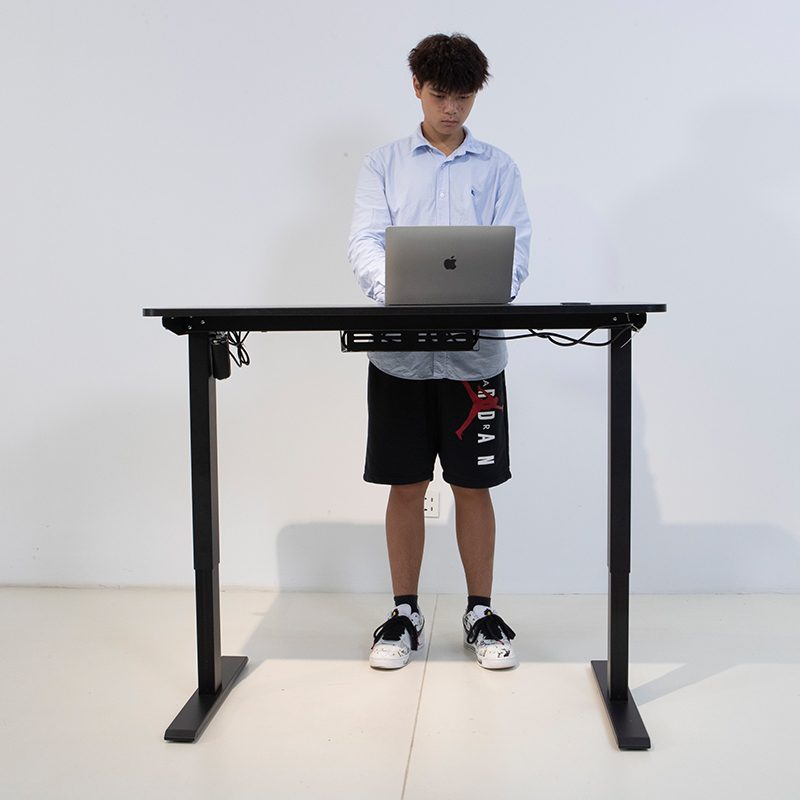
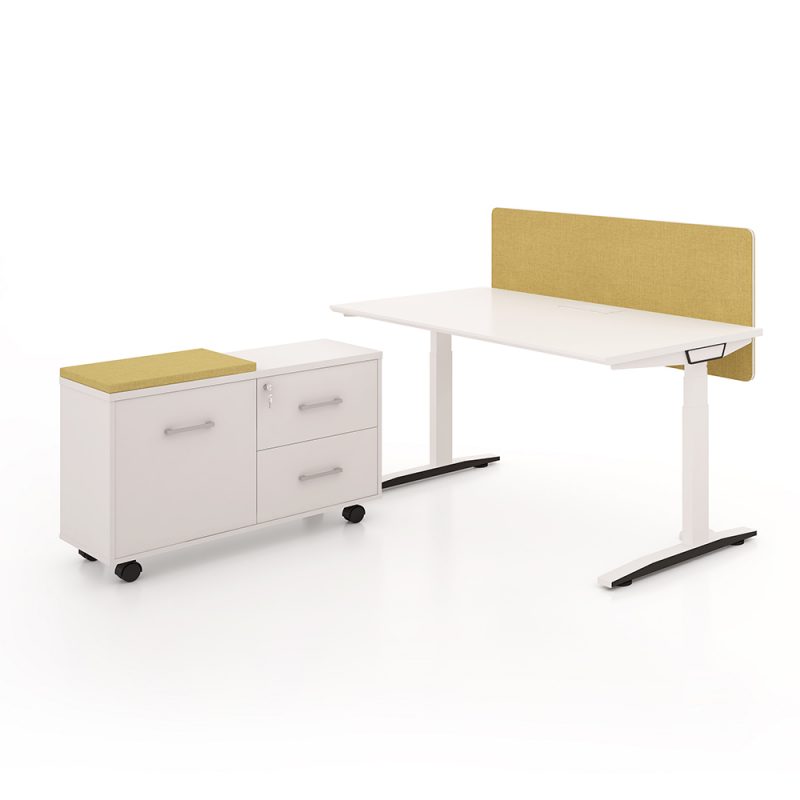
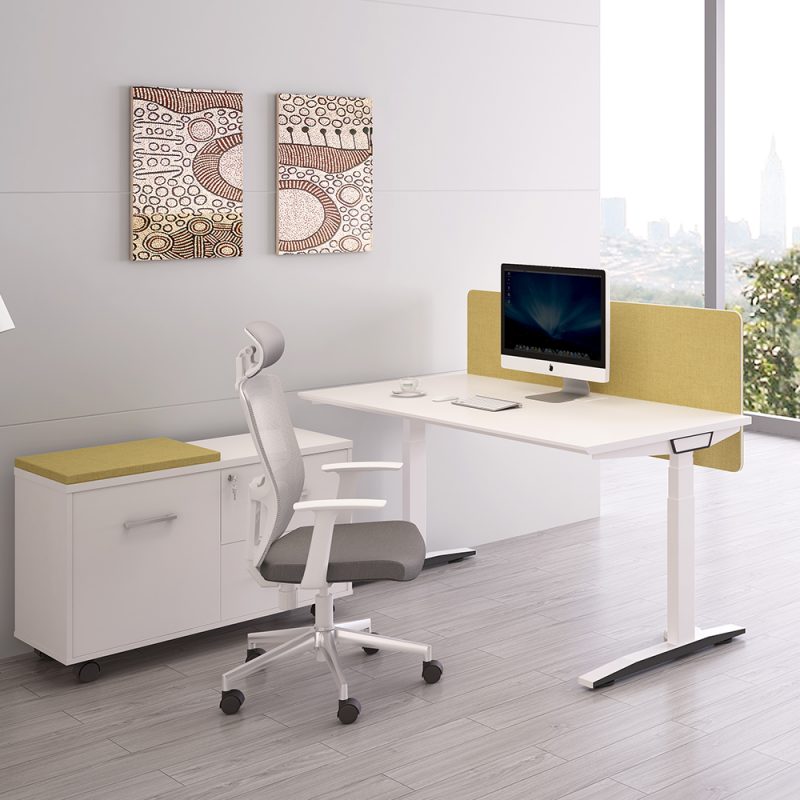
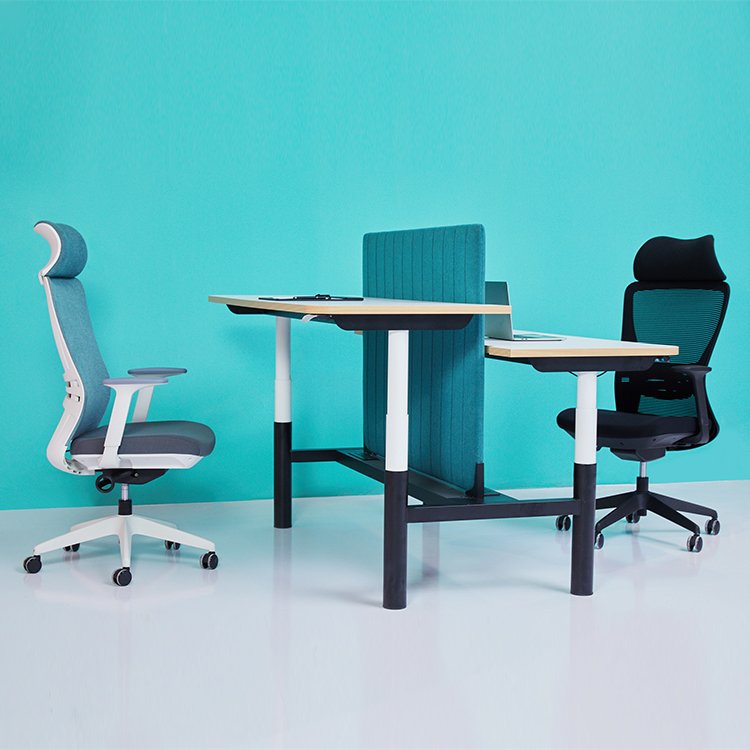
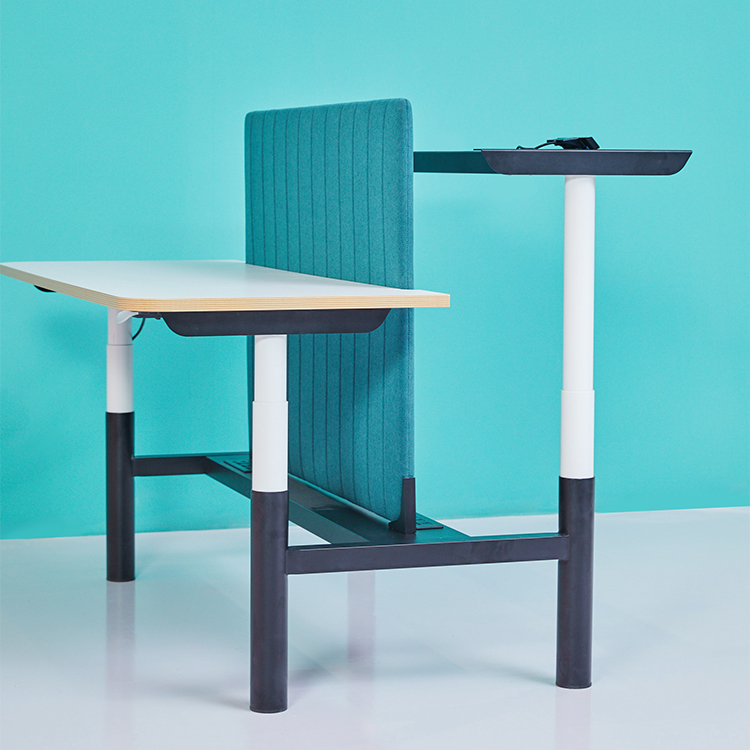
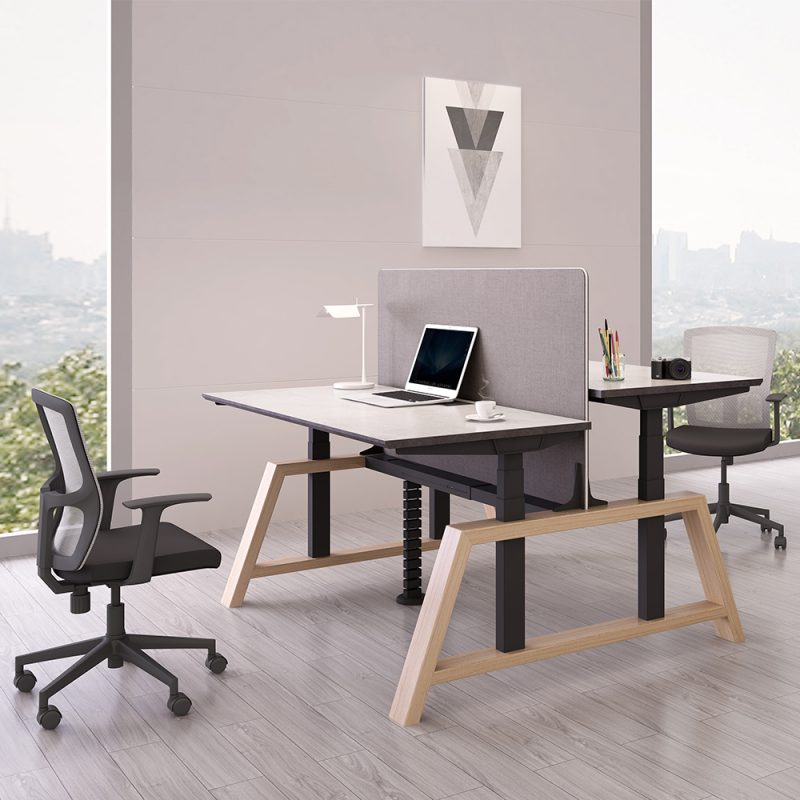
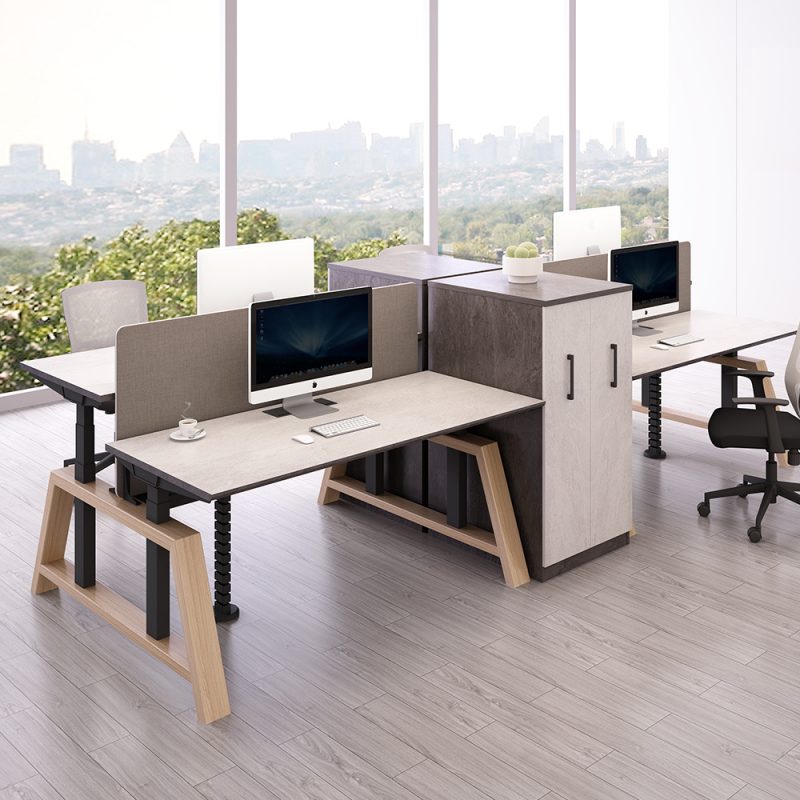
If you’re looking for a more permanent standing desk solution, Meet&Co offers a variety of high-quality adjustable desks. Here are some of our best-selling recommendations:
Final Thoughts On Desk Risers For Standing
Choosing the best desk riser for standing is not just buying a piece of furniture; it’s an investment in your career longevity and physical well-being.
In 2026, we recommend starting with a product like the FlexiSpot M2, which offers excellent balance and stability.
But remember, the essence of standing desks isn’t about “standing all the time,” but about “constantly switching” between sitting and standing.
Scientific research suggests that standing for 15 minutes after every 45 minutes of sitting is the most effective health pattern for maintaining metabolic activity and protecting your spine.
If you seek ultimate stability and ample workspace, Meet&Co Furniture‘s professional smart adjustable desk will be your ultimate upgrade.
Related articles:
- What Is A Riser Desk:Benefits, Types & Top Picks Explained
- Standing Desk Reviews 2025: Top Models Compared
FAQ
Q1: Are desk risers worth it?
Overall, if you want to upgrade your standing desk experience quickly and at a lower cost, and are unable to replace your entire desk at the moment, a desk riser is a worthwhile and practical tool.
However, if you require greater stability, more comprehensive ergonomics, and long-term comfort, a complete height-adjustable desk might be a better long-term investment.
Q2: Can I convert my desk into a standing desk?
Yes, you can convert your existing desk into a standing desk using a desk riser or an adjustable desk frame.
This allows you to switch between sitting and standing without replacing your entire desk, making it ideal for those who want to try standing work at a low cost.
Q3: Are desk risers unstable?
The stability of a desk riser depends on its structural design, weight capacity, and how it’s used.
A high-quality desk riser will remain stable even at its highest setting, allowing for normal typing and mouse use without noticeable wobbling.
However, lower-quality models or those used beyond their weight capacity may feel unstable.
Q4: Are desk risers suitable for long periods of standing while working?
Desktop risers are suitable for short periods or intermittent standing while working, but they are not ideal for prolonged, continuous standing.
If you need to stand for extended periods, it’s recommended to use a height-adjustable desk, an anti-fatigue mat, or other ergonomic aids to reduce pressure on your legs and lower back.


